Help
Metrics
Metrics is SquirrelStack’s privacy-focused analytics suite. It covers web analytics, subscription metrics, cashflow tracking, conversion funnels, and custom metrics — all without cookies or personal data collection.
Web Analytics
The web analytics dashboard shows page views, visitors, referrers, browsers, devices, and countries. Data is collected via a lightweight tracking script that doesn’t use cookies, so no consent banner is needed. You can filter by date range and drill into individual pages.
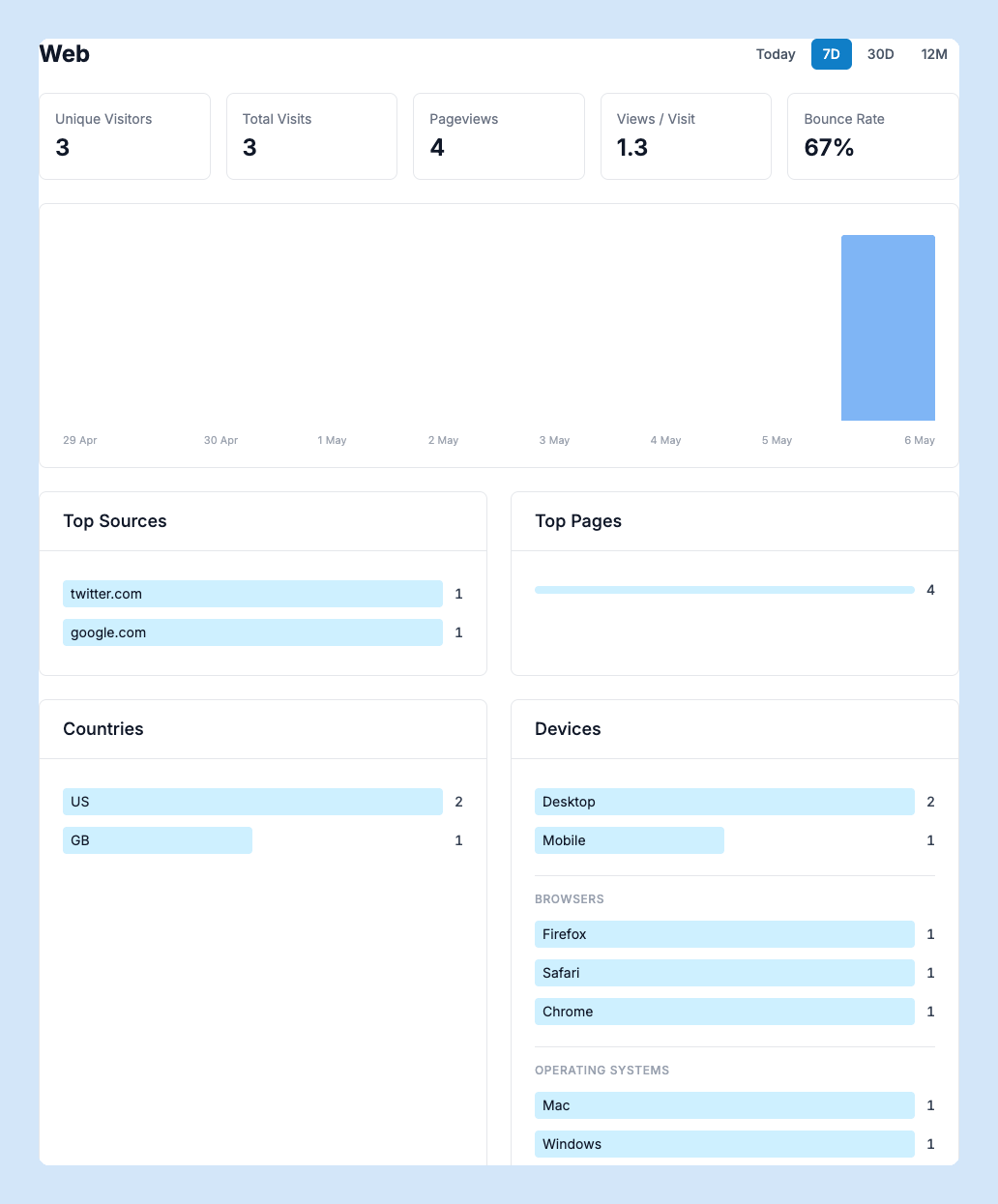
Sub-pages give you deeper views into campaigns (UTM parameters), outbound link clicks, file downloads, video engagement, bot traffic, and JavaScript errors detected on your site.
Visitor Log
The Visits page shows a live feed of individual visits to your site, including pages viewed, referrer, location, and device. Click any visit to see the full page-by-page session timeline.
Subscription Metrics
If you’re running a SaaS, the Subscriptions dashboard tracks MRR, ARR, subscriber counts, churn rate, and revenue churn over time. Data comes from your billing system — either via the Stripe integration or the Subscriptions API. Drill into any month to see which subscriptions were new, churned, or expanded.
Cashflow
The Cashflow view projects your future revenue based on active subscriptions and paid invoices. Configure your financial year and reporting preferences in Cashflow Settings.
Funnels
Build conversion funnels to measure how visitors progress through key steps on your site. Define each step as a URL pattern, and SquirrelStack calculates conversion rates between steps. Create as many funnels as you need.
Custom Metrics
Track any business metric by sending data points via the API. Group related metrics together for easy comparison. Custom metrics appear on their own dashboard with charts and trend lines.
Search Console
Connect your Google Search Console account to see search queries, impressions, clicks, and average position alongside your analytics data. Set up the connection in Settings > Metrics and data will sync automatically.